Accessing Analytics
Edited
Log in to your Fisherman Dashboard (app.gofisherman.com)
Go to the “Analytics” tab (left side of the dashboard), and there you’ll see your website’s “Analytics”
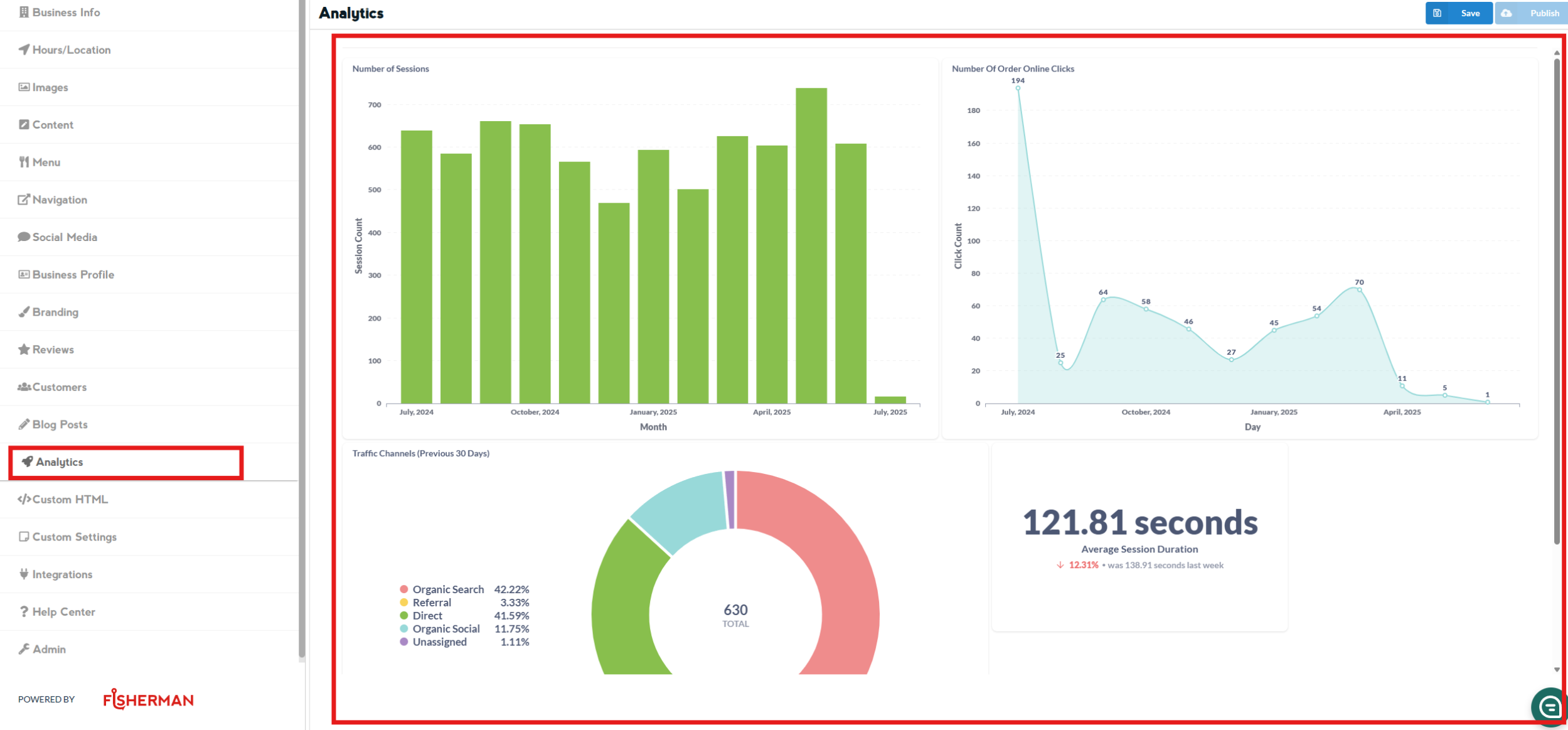
This page allows you to monitor your website’s monthly reports and visualizations on user behavior, sales, and key metrics.
Nothing on this page can be edited.