How to Update the Business Name
Edited
Login to your Fisherman Dashboard (app.gofisherman.com)
Go to the “Business Info” tab (left side of the dashboard), and there you’ll see a section where you can edit your “Business Name”
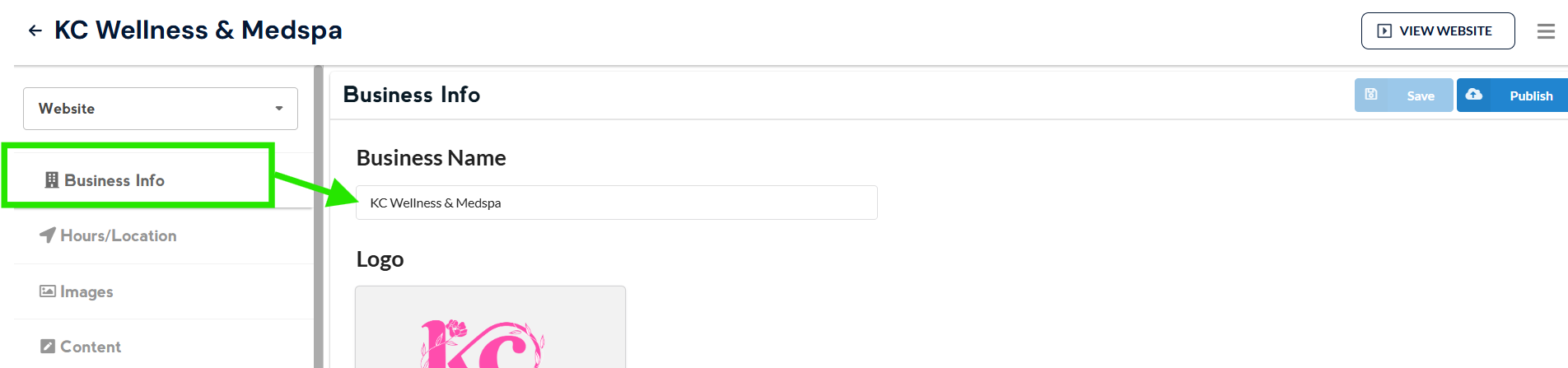
Once done editing, click on Save and then Publish
Note: Changes that you do to the website appear 2-3 minutes after you click on Publish