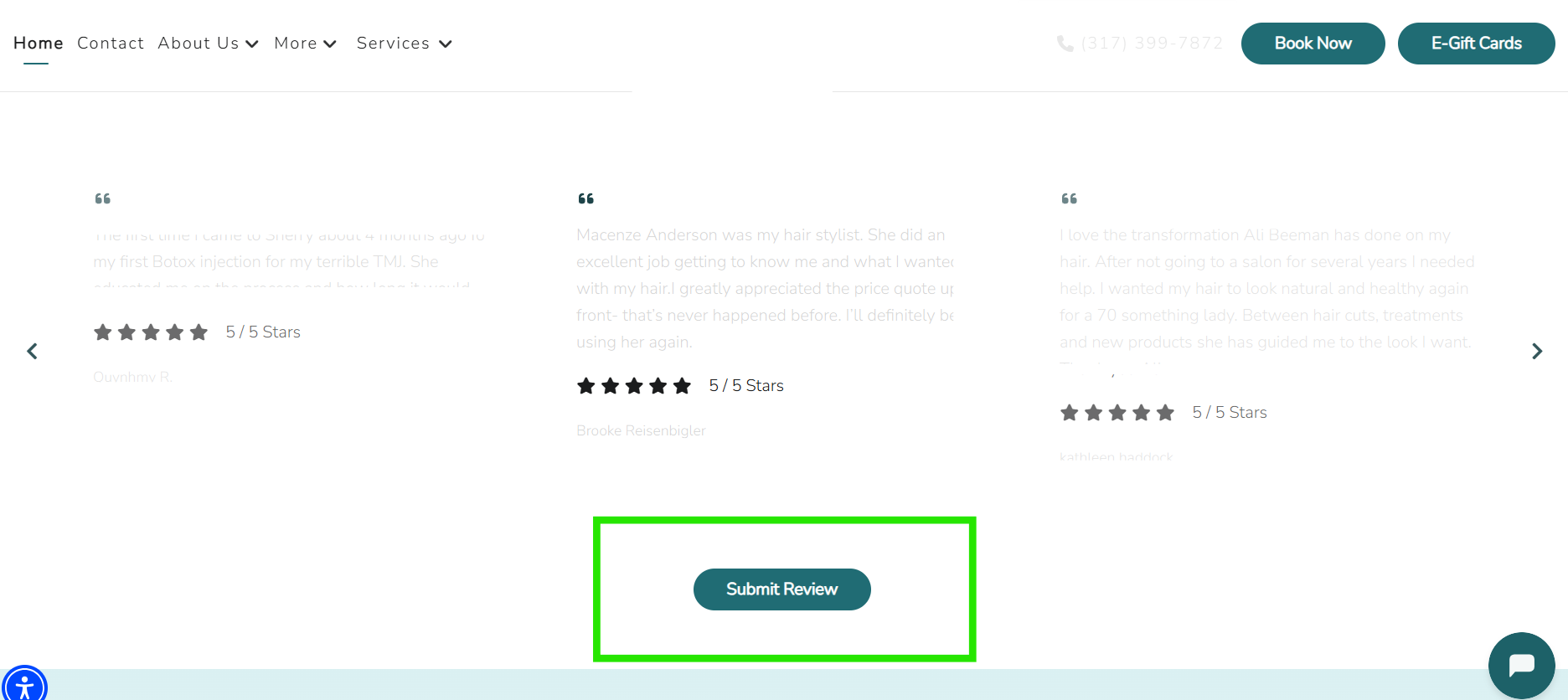
How to Manually Add, Delete, Hide/Unhide a Review
Login to your Dashboard (app.gofisherman.com)
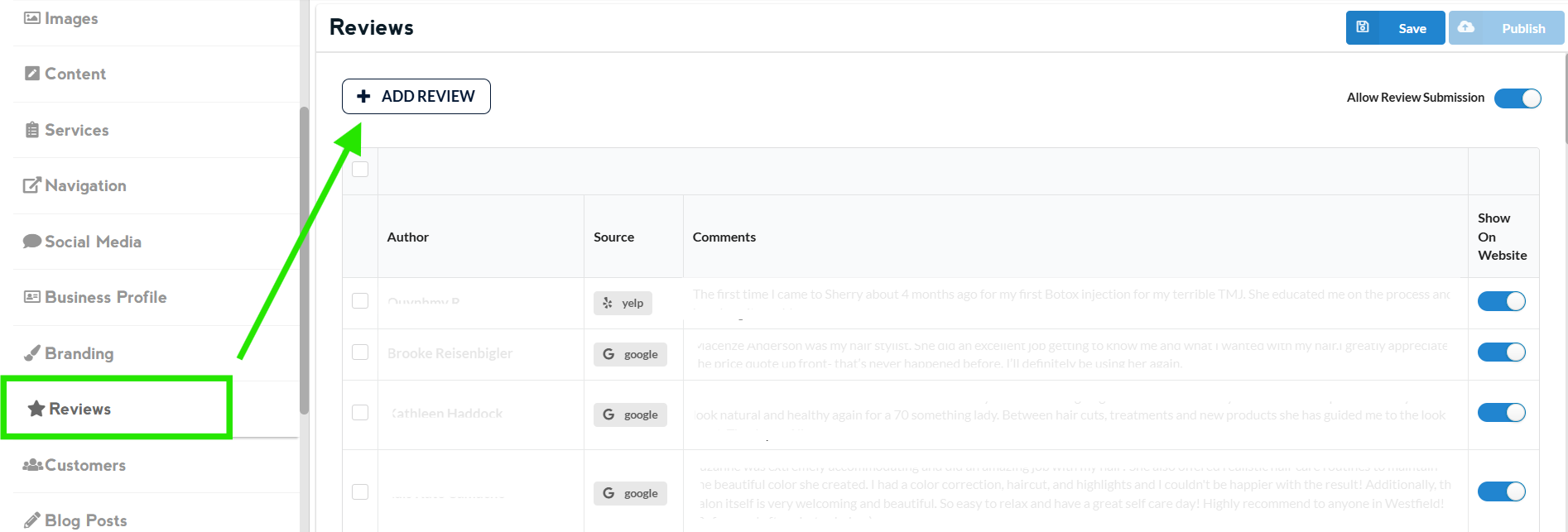
Go to “Reviews” section (left side of the dashboard)
TO ADD
Click “Add Review”
TO DELETE / DISAPPROVE & APPROVE
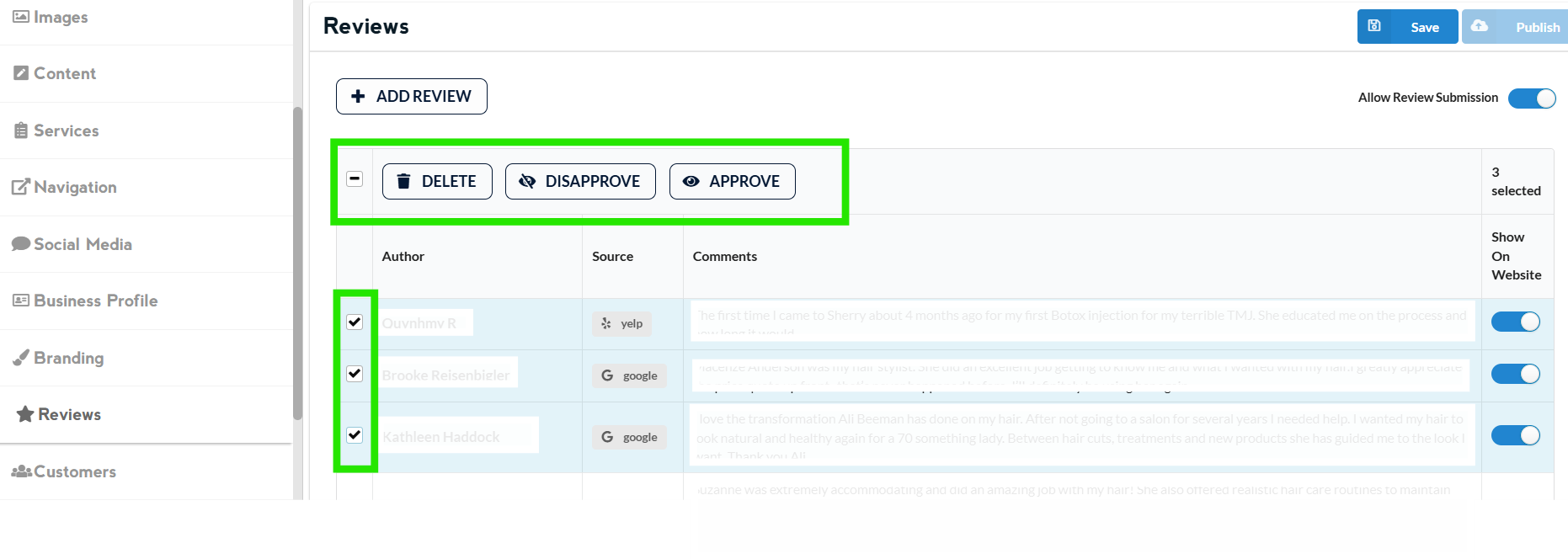
Select the checkbox next to the review you wish to delete, and the “Delete” option will appear above. You also have the option to “Disapprove or Approve” a new review
HIDE OR UNHIDE A REVIEW WITHOUT DELETING IT
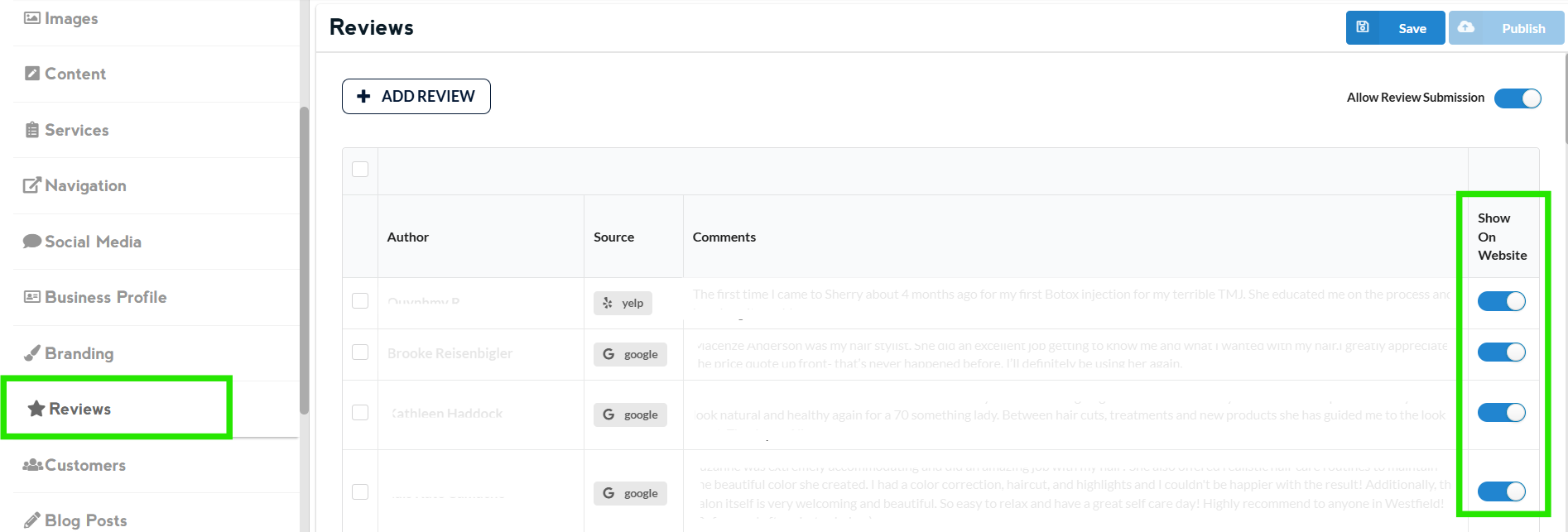
You also have the option to switch between “Show the review on Website” or “Hide the review on Website” just by toggling the switch on the right side of the review
Once done editing, click on Save and then Publish.
Changes that you do to the website appears 2-3 minutes after you click on publish
Note: Reviews submitted from the home page of the website go to the dashboard, where they must be approved before being published on the website. They also appear in the app, subject to the same approval process.